Multi-Step & Onboarding Forms
Firststeps — User Onboarding Form
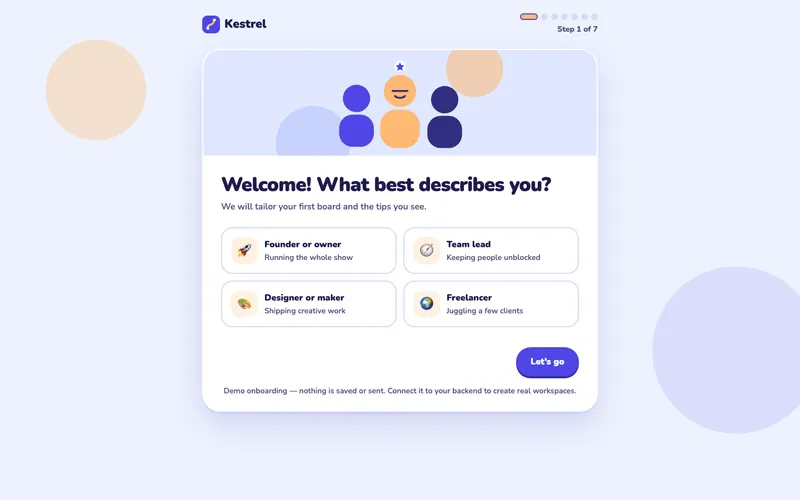
A playful seven-step product onboarding flow with role cards, goal chips, an email chip invite field, live workspace URL and theme preview.
Vanilla HTML
A four-step registration wizard with live badge preview, per-step validation, an editable review screen, focus management and a confirmation state.
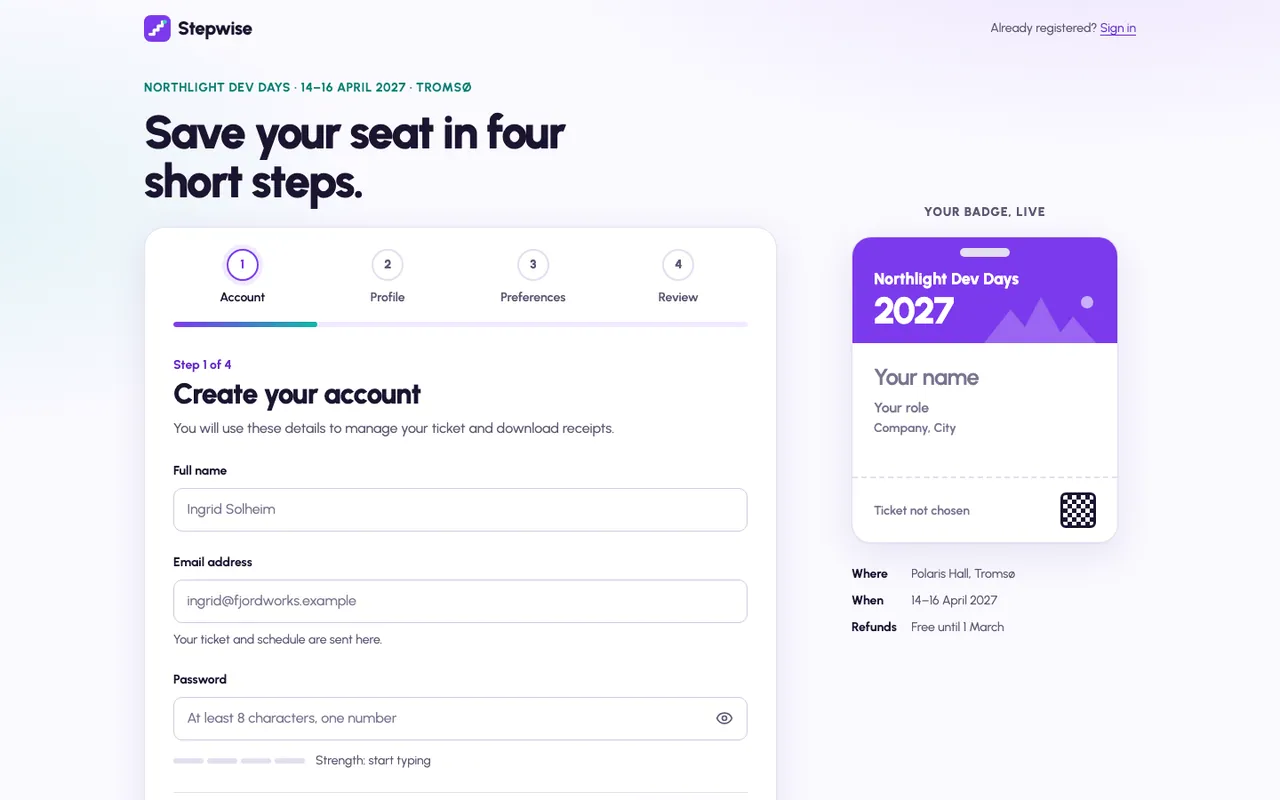
Stepwise is a registration wizard for events, courses and memberships, built around a fictional developer conference. Four steps (account, profile, preferences, review) sit inside one card with a numbered progress stepper that turns each finished step into a tick and fills a gradient progress bar.
Every step validates before it lets the visitor move on. Errors appear inline in plain language, are tied to their field with aria-describedby, and focus jumps to the first problem. When a step changes, focus moves to its heading and a polite live region announces 'Step 2 of 4: Profile', so keyboard and screen-reader users never lose their place.
A conference badge beside the form fills in as people type, picking up their name, role, company, ticket and chosen colour. The final step summarises everything with an Edit link per section and a running total, then swaps to a confirmation screen with a reference code. All vanilla HTML, CSS and one small script with no dependencies.
Plain HTML5, CSS3 and JavaScript. No framework, no build step — open index.html and edit.
Everything is inside the download with its licence. Nothing loads from a CDN.
Chrome, Edge, Firefox, Safari, Opera
Current versions. Checked in Chromium at desktop, tablet and phone widths.
Includes a README, a documentation page with customisation notes, and the licence text.
Read the documentationVersion 1.0.0 Nov 23, 2026Current
Regular Licence. One purchase covers one end product — a website, application or email programme for you or one client. You may modify the template freely; you may not redistribute or resell the template itself. Updates are free.
No reviews yet. Reviews come only from customers who have downloaded or bought this template.
Multi-Step & Onboarding Forms
A playful seven-step product onboarding flow with role cards, goal chips, an email chip invite field, live workspace URL and theme preview.
Login & Signup Forms
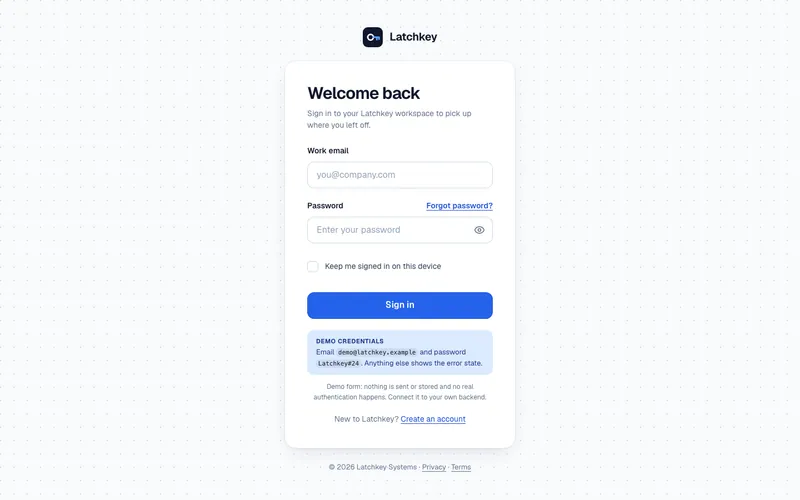
A centred login card with inline validation, password toggle, in-place recovery panel and loading, error and success states.
Login & Signup Forms
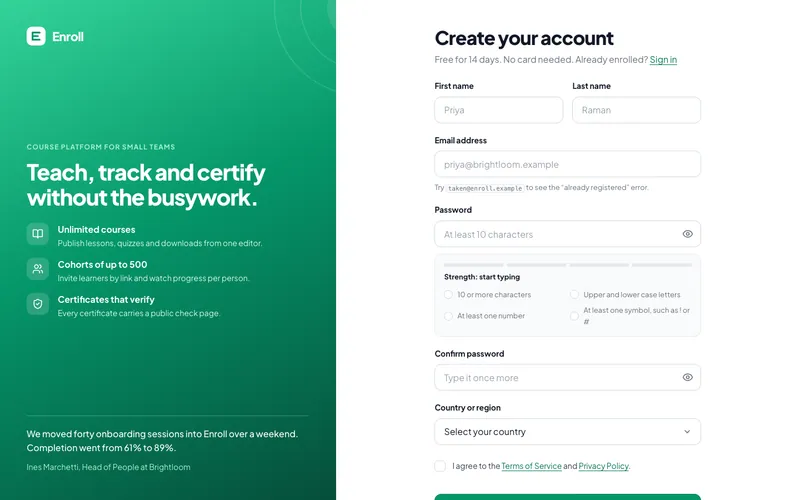
A split-screen registration form with a benefits panel, live password rule checklist, strength meter, inline validation and a success screen.
Login & Signup Forms
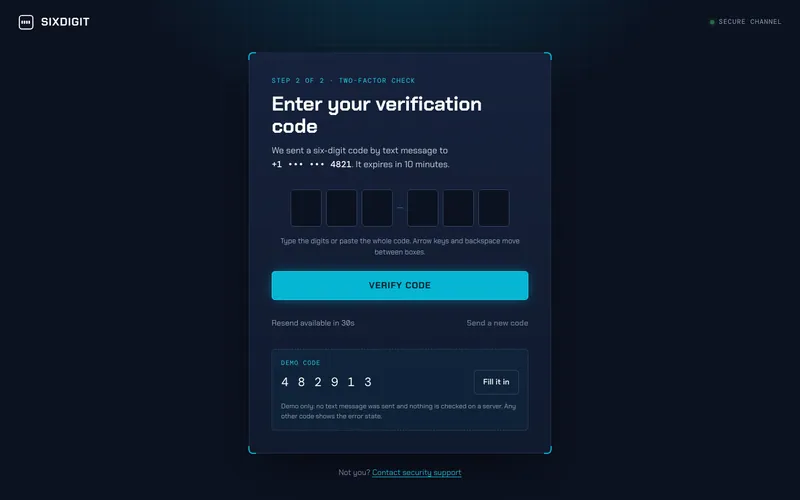
A dark, technical OTP screen with six auto-advancing inputs, paste support, resend countdown, wrong-code shake and an animated success state.