Login & Signup Forms
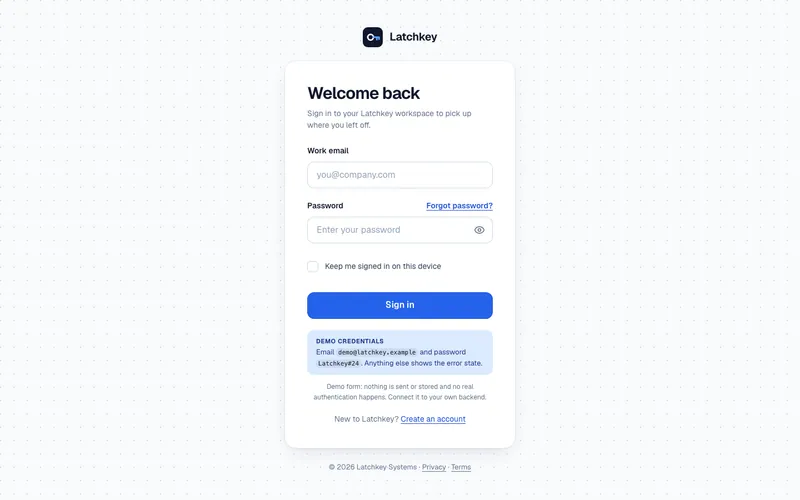
Latchkey — HTML Login Template
A centred login card with inline validation, password toggle, in-place recovery panel and loading, error and success states.
Vanilla HTML
A soft, three-step password reset on one page: request a link, check your email, set a new password with rule-based strength meter, then success.
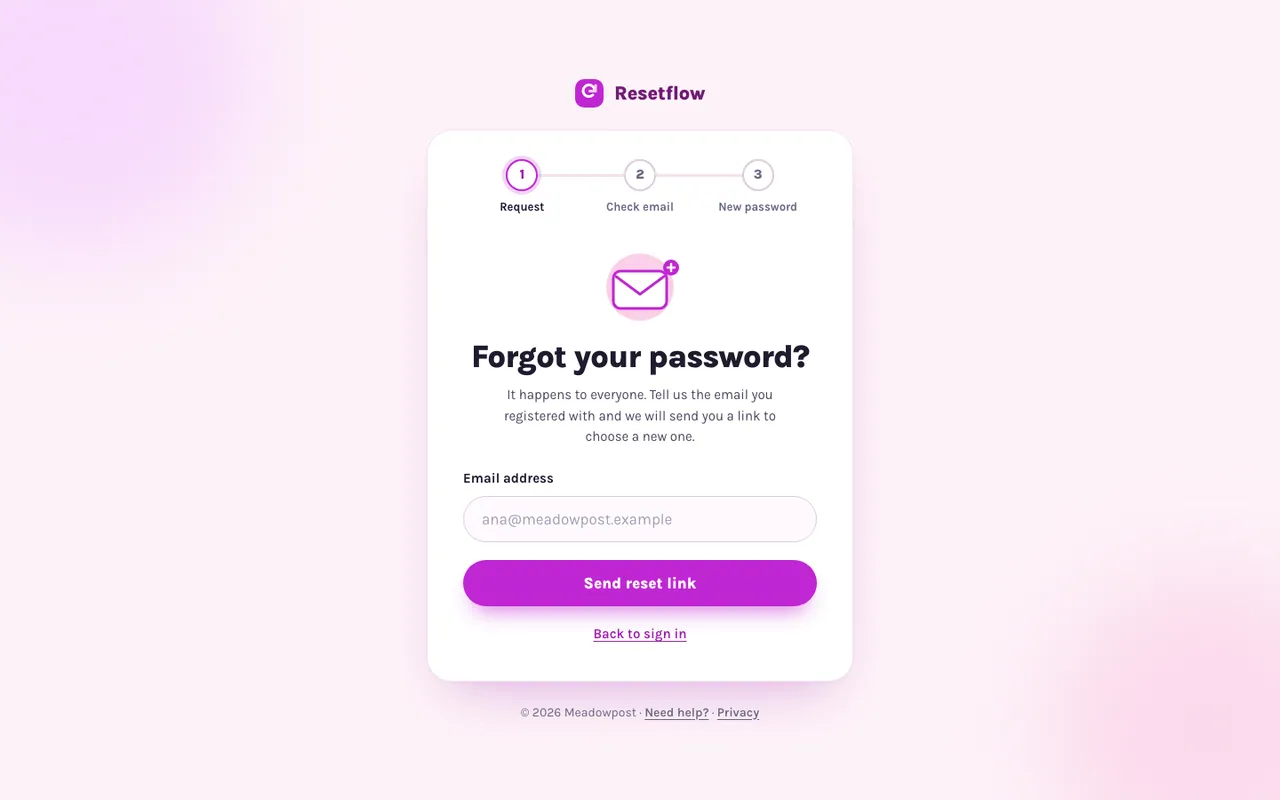
Resetflow turns the usual three-page reset journey into a single page with a rounded white card on a blush background. A step indicator with numbered dots, labels and ticks for finished steps stays at the top, and each step has its own small illustration drawn in SVG.
Step one validates the email and simulates sending a link. Step two is the check-your-email state, with resend and change-email actions and a clearly labelled demo button that stands in for opening the emailed link. Step three asks for a new password and confirmation. A strength panel explains the rules instead of only colouring a bar: length, letters with numbers, not containing the email name, plus a bonus for a symbol.
Every step change moves focus to the new heading, updates aria-current on the indicator and announces the step number in a polite live region, so the flow works with a keyboard and a screen reader.
Plain HTML5, CSS3 and JavaScript. No framework, no build step — open index.html and edit.
Everything is inside the download with its licence. Nothing loads from a CDN.
Chrome, Edge, Firefox, Safari, Opera
Current versions. Checked in Chromium at desktop, tablet and phone widths.
Includes a README, a documentation page with customisation notes, and the licence text.
Read the documentationVersion 1.0.0 Nov 23, 2026Current
Free Template Licence. Use it in unlimited personal and commercial projects, modify it freely and use it in client work. You may not redistribute or resell the template itself. Attribution is appreciated, not required.
No reviews yet. Reviews come only from customers who have downloaded or bought this template.
Login & Signup Forms
A centred login card with inline validation, password toggle, in-place recovery panel and loading, error and success states.
Login & Signup Forms
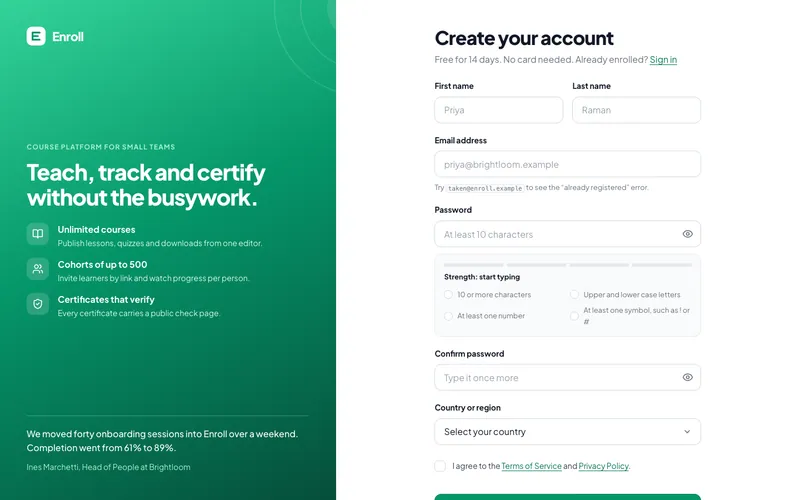
A split-screen registration form with a benefits panel, live password rule checklist, strength meter, inline validation and a success screen.
Login & Signup Forms
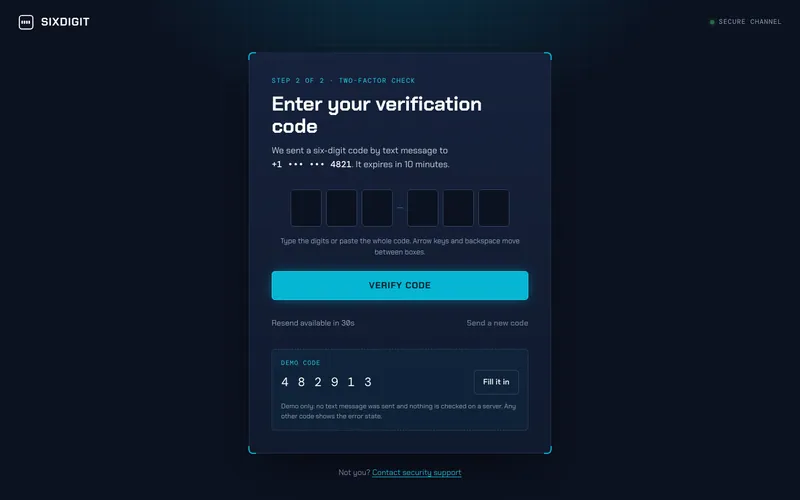
A dark, technical OTP screen with six auto-advancing inputs, paste support, resend countdown, wrong-code shake and an animated success state.
Login & Signup Forms
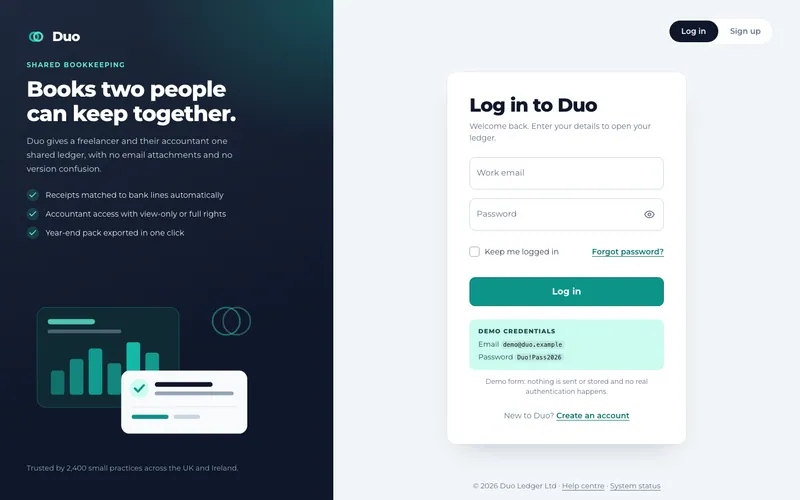
Matching Bootstrap 5 login and signup pages with a brand panel, floating labels, custom validation, password toggles and a rule-based strength meter.