Business & Lead Generation Pages
Queue — Waitlist Page
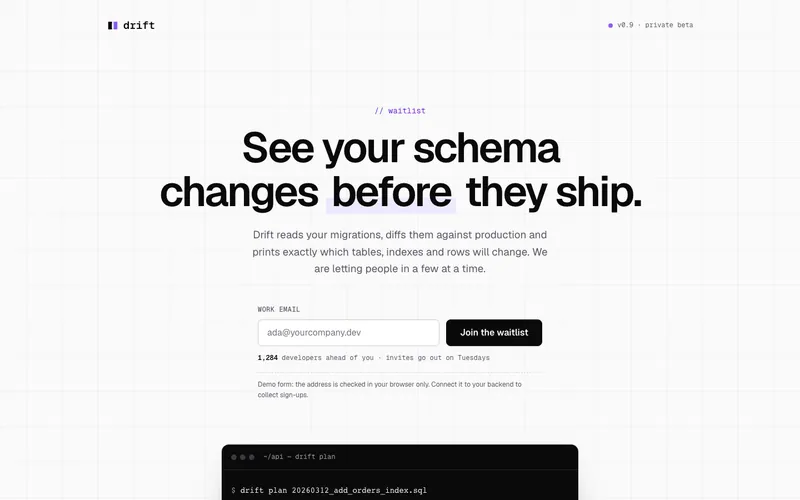
A minimal waitlist page with a validated email form, sample queue position, working copy-to-clipboard referral link, terminal mockup, perks and FAQ.
Vanilla HTML
A split-screen login landing page with rotating product highlights, a validated sign-in form, password toggle, magic-link and single sign-on views.
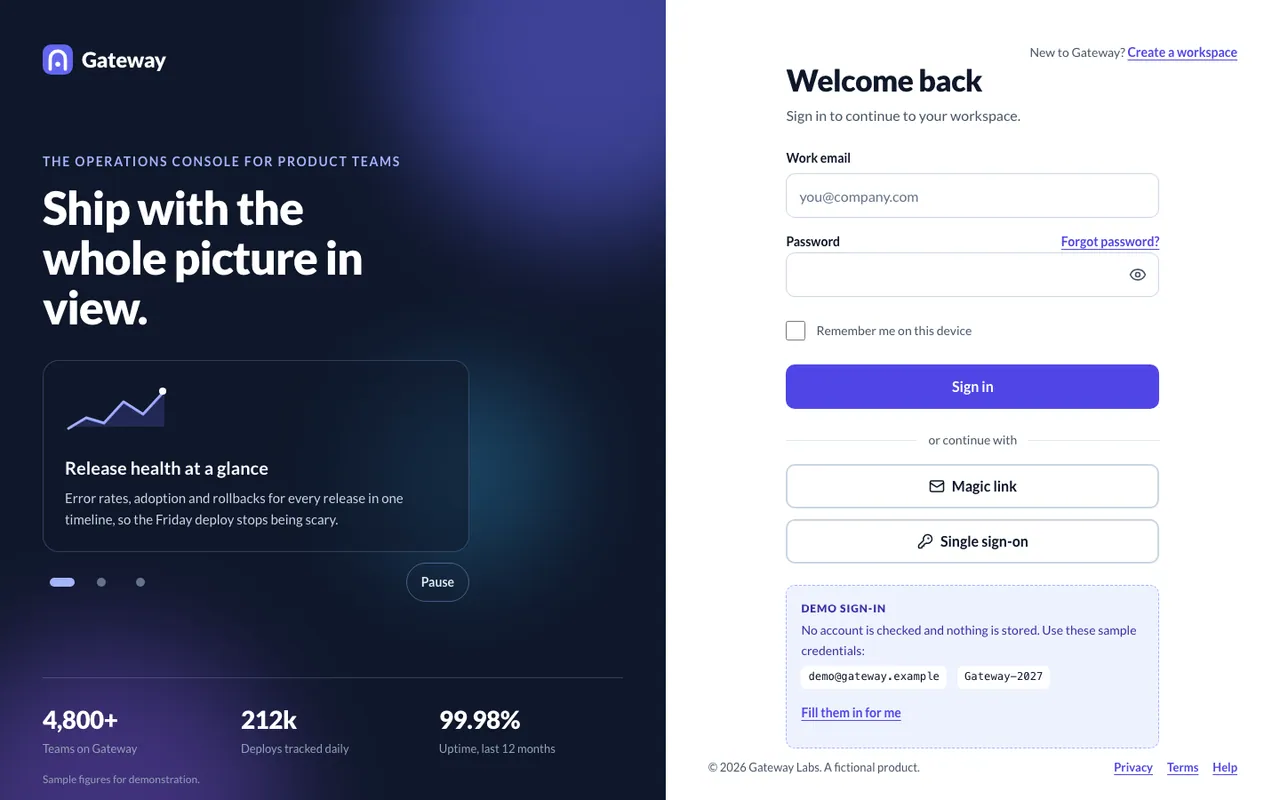
Gateway pairs a brand pane with a sign-in pane. On the left, a deep navy panel with drifting gradient orbs presents a headline, three rotating product highlights with their own SVG artwork, and a row of sample statistics. On the right, a clean white card holds the form.
The sign-in card works as a small state machine: password sign-in is the default, with a show or hide password button, remember me, inline field errors and an alert for wrong credentials. Magic link and single sign-on open as their own views with validation and a confirmation, and a signed-in view closes the loop.
Demo credentials are printed on the page with a button that fills them in. The highlights carousel pauses on request and never auto-plays for visitors who prefer reduced motion. Below 1024px the two panes stack into a single column. The password flow is simulated and ready for you to wire to a real authentication API.
Plain HTML5, CSS3 and JavaScript. No framework, no build step — open index.html and edit.
Everything is inside the download with its licence. Nothing loads from a CDN.
Chrome, Edge, Firefox, Safari, Opera
Current versions. Checked in Chromium at desktop, tablet and phone widths.
Includes a README, a documentation page with customisation notes, and the licence text.
Read the documentationVersion 1.0.0 Nov 23, 2026Current
Regular Licence. One purchase covers one end product — a website, application or email programme for you or one client. You may modify the template freely; you may not redistribute or resell the template itself. Updates are free.
No reviews yet. Reviews come only from customers who have downloaded or bought this template.
Business & Lead Generation Pages
A minimal waitlist page with a validated email form, sample queue position, working copy-to-clipboard referral link, terminal mockup, perks and FAQ.
Business & Lead Generation Pages
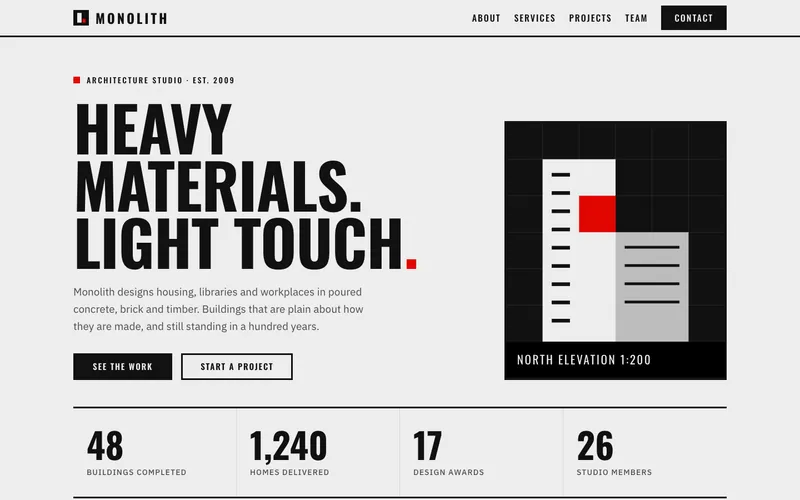
A bold one-page architecture studio website with scroll-spy navigation, a filterable projects grid, numbered services and a validated contact form.
Business & Lead Generation Pages
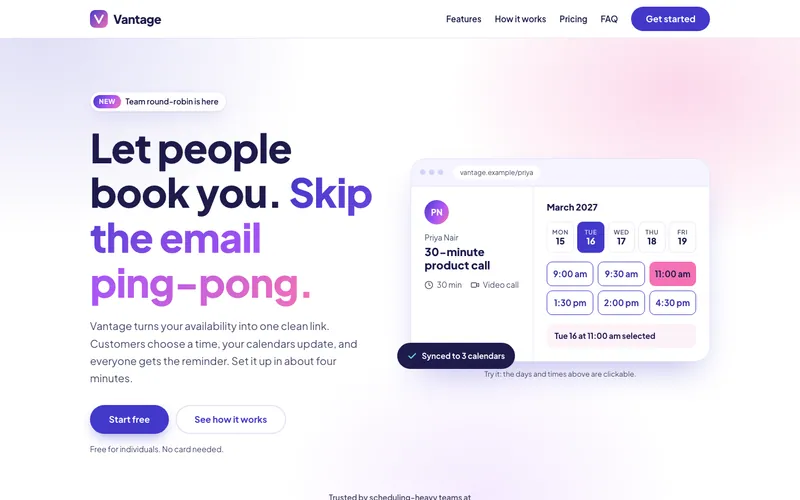
A modern SaaS landing page for a scheduling product, with a hero mock-up built in HTML and CSS, bento features, pricing toggle, FAQ and email capture.
Business & Lead Generation Pages
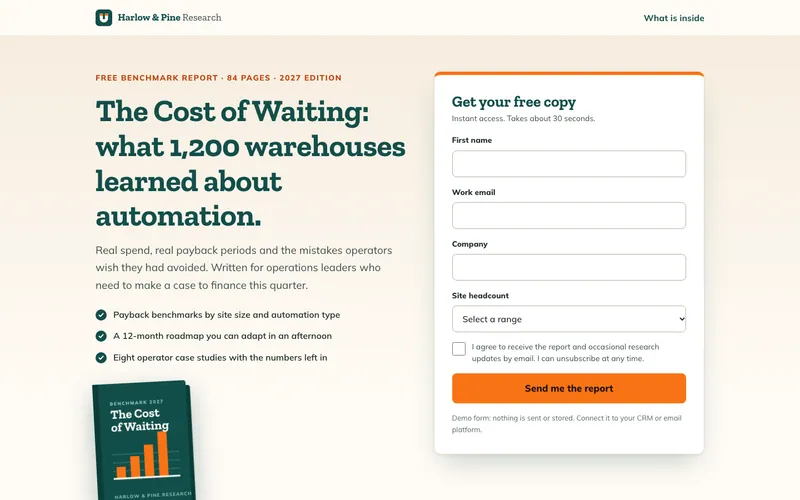
A lead-generation landing page for a gated report, with an above-the-fold validated form, chapter tabs, charted findings, a second form and a mobile sticky bar.