Productivity Dashboards
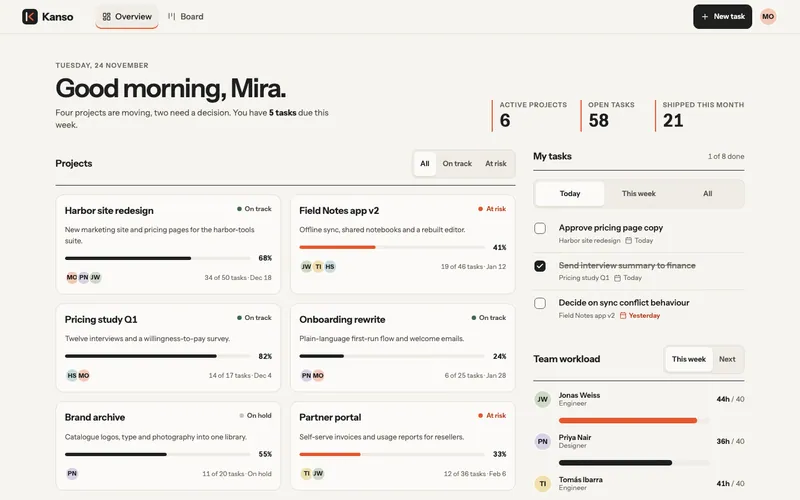
Kanso — Project Management Dashboard
A calm project workspace with progress cards, a timeline strip, team workload and a kanban board with drag, keyboard moves, filters and a detail panel.
Vanilla HTML
A playful calendar app with month, week and day views, an event editor, mini month picker, calendar filters and an upcoming list.
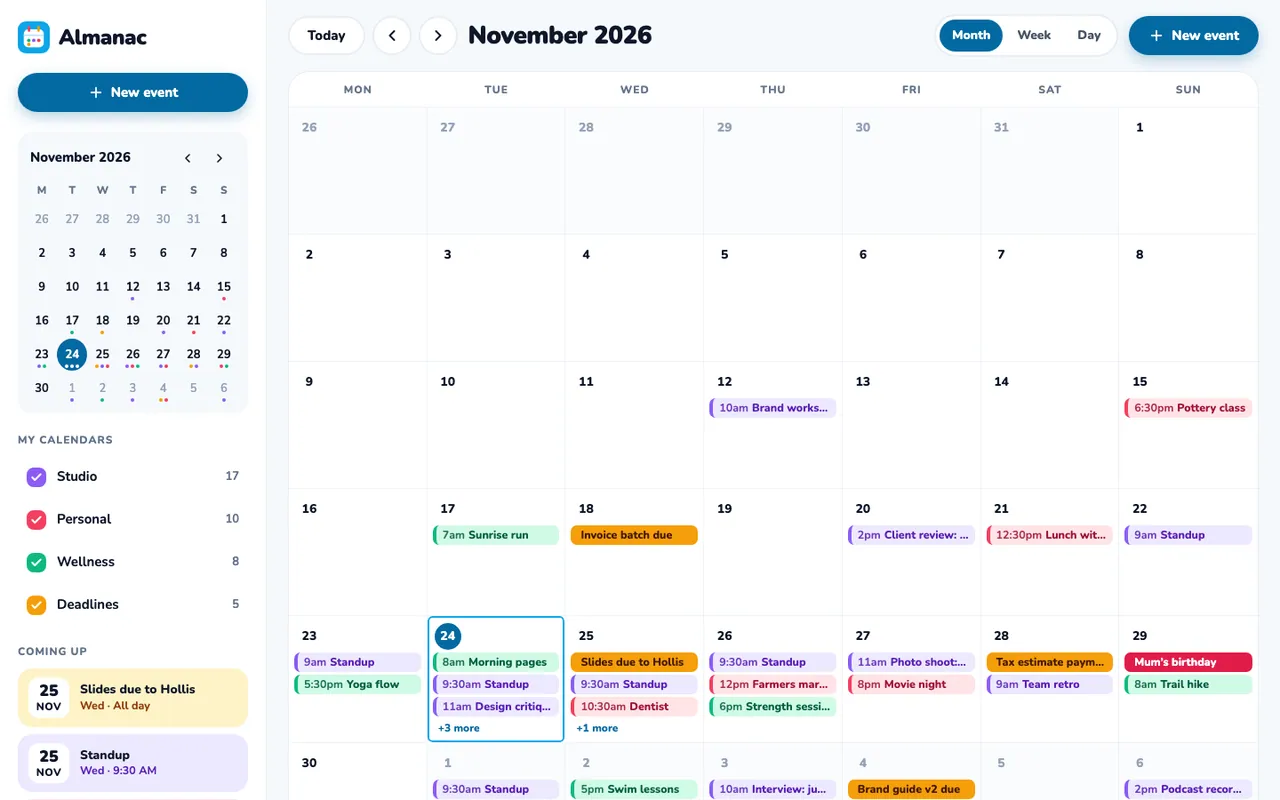
Almanac is a full calendar workspace in a single page: a sidebar with a mini month, colour-coded calendars and a list of what is coming up, and a large stage that switches between month, week and day views. Navigation is complete: previous, next and today buttons follow the active view, and the mini month jumps anywhere.
Events are drawn from a plain JavaScript array whose dates are offsets from today, so the demo always looks current. Clicking an event, an empty day or an empty slot in the time grid opens the event dialog, where you can add, edit or delete. The week and day grids lay out overlapping events side by side and draw a live now line.
The look is rounded and friendly: Nunito type, a sky blue accent and four event colours (violet, rose, emerald and amber) that carry through chips, dots, filters and the upcoming list. On phones the sidebar becomes a drawer and the week grid scrolls inside its own frame.
Plain HTML5, CSS3 and JavaScript. No framework, no build step — open index.html and edit.
Everything is inside the download with its licence. Nothing loads from a CDN.
Chrome, Edge, Firefox, Safari, Opera
Current versions. Checked in Chromium at desktop, tablet and phone widths.
Includes a README, a documentation page with customisation notes, and the licence text.
Read the documentationVersion 1.0.0 Nov 23, 2026Current
Regular Licence. One purchase covers one end product — a website, application or email programme for you or one client. You may modify the template freely; you may not redistribute or resell the template itself. Updates are free.
No reviews yet. Reviews come only from customers who have downloaded or bought this template.
Productivity Dashboards
A calm project workspace with progress cards, a timeline strip, team workload and a kanban board with drag, keyboard moves, filters and a detail panel.
Productivity Dashboards
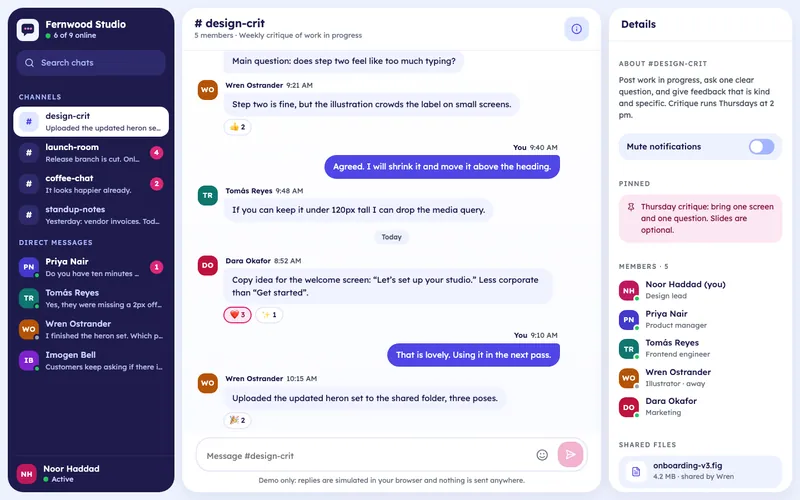
A soft three-pane team chat workspace with channels, direct messages, details panel, emoji picker, unread badges and simulated replies.
Admin Panels
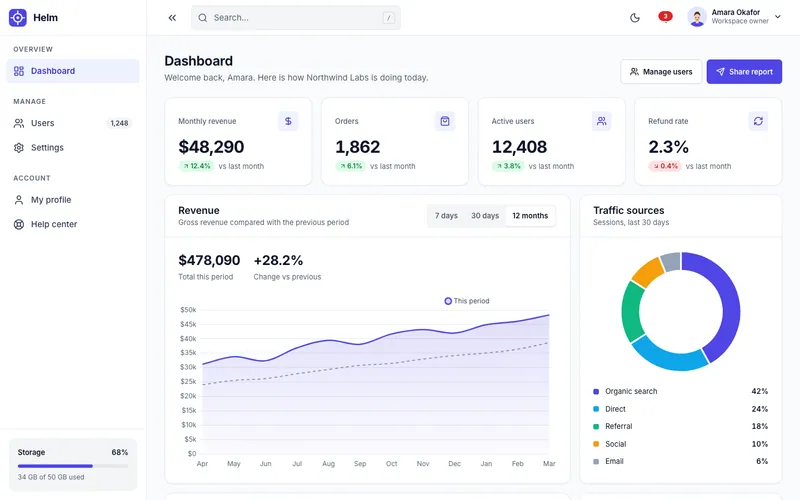
A four-page admin panel with collapsible sidebar, Chart.js dashboard, sortable users table, validated settings and a working dark theme.
Admin Panels
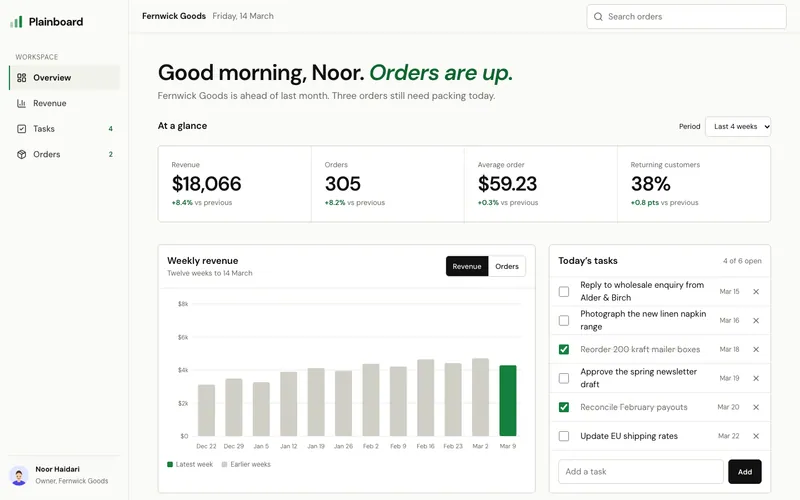
A deliberately simple one-page dashboard with hand-drawn SVG bar chart, filterable orders table and a to-do list, built to be a clean starting point.